Header: Courtesy of Apple
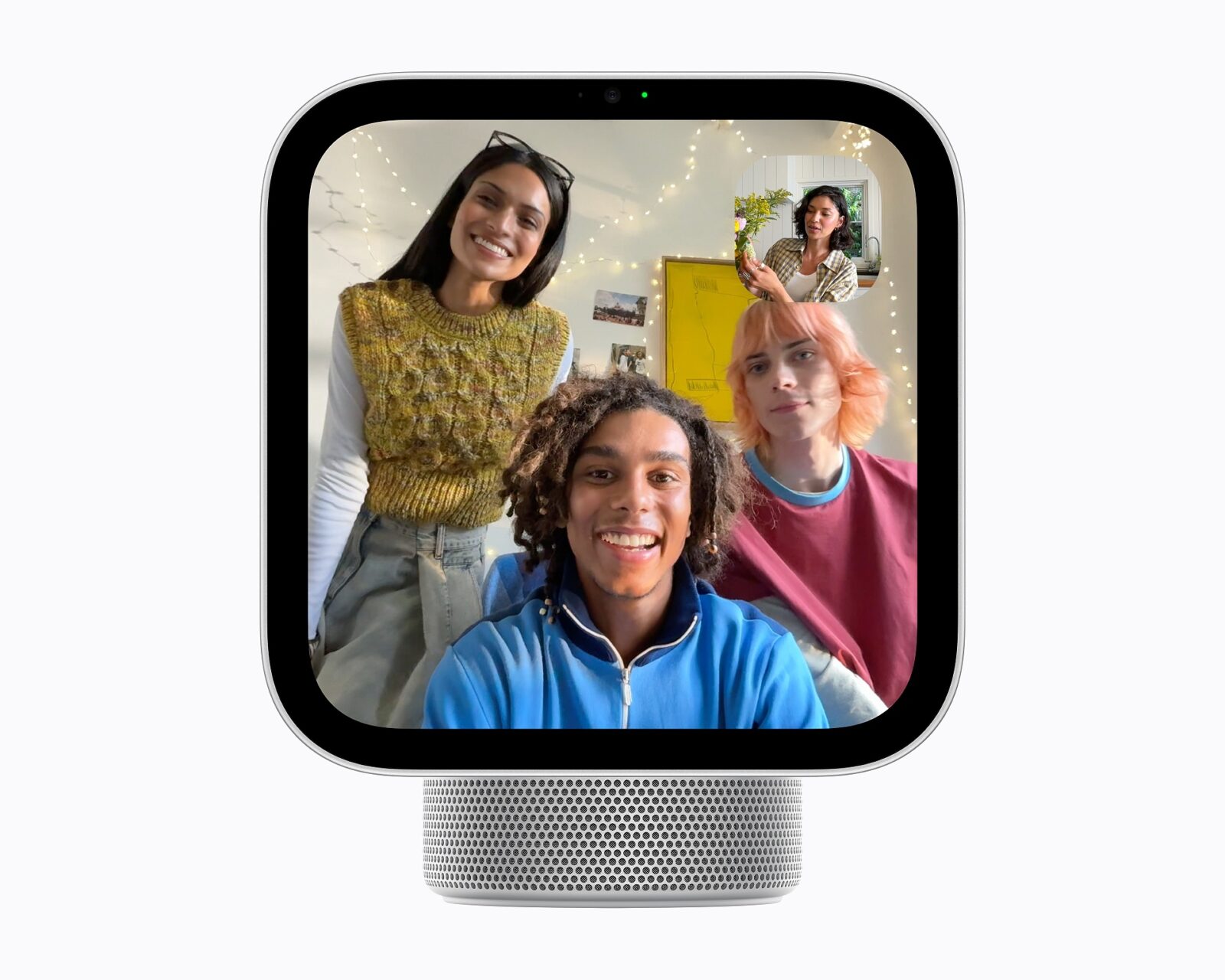
Apple’s new HomeView was just launched to help bring our homes into the future and a very connected one at that. It is a square 7-inch touchscreen made to play music and video, take FaceTime calls and control the lights, locks and cameras of a house. To top it off, the gadget runs on Siri AI, the new version of Apple’s voice assistant, which recognises each member of the household and answers with their own messages, calendar and music.


The tabletop and wall versions
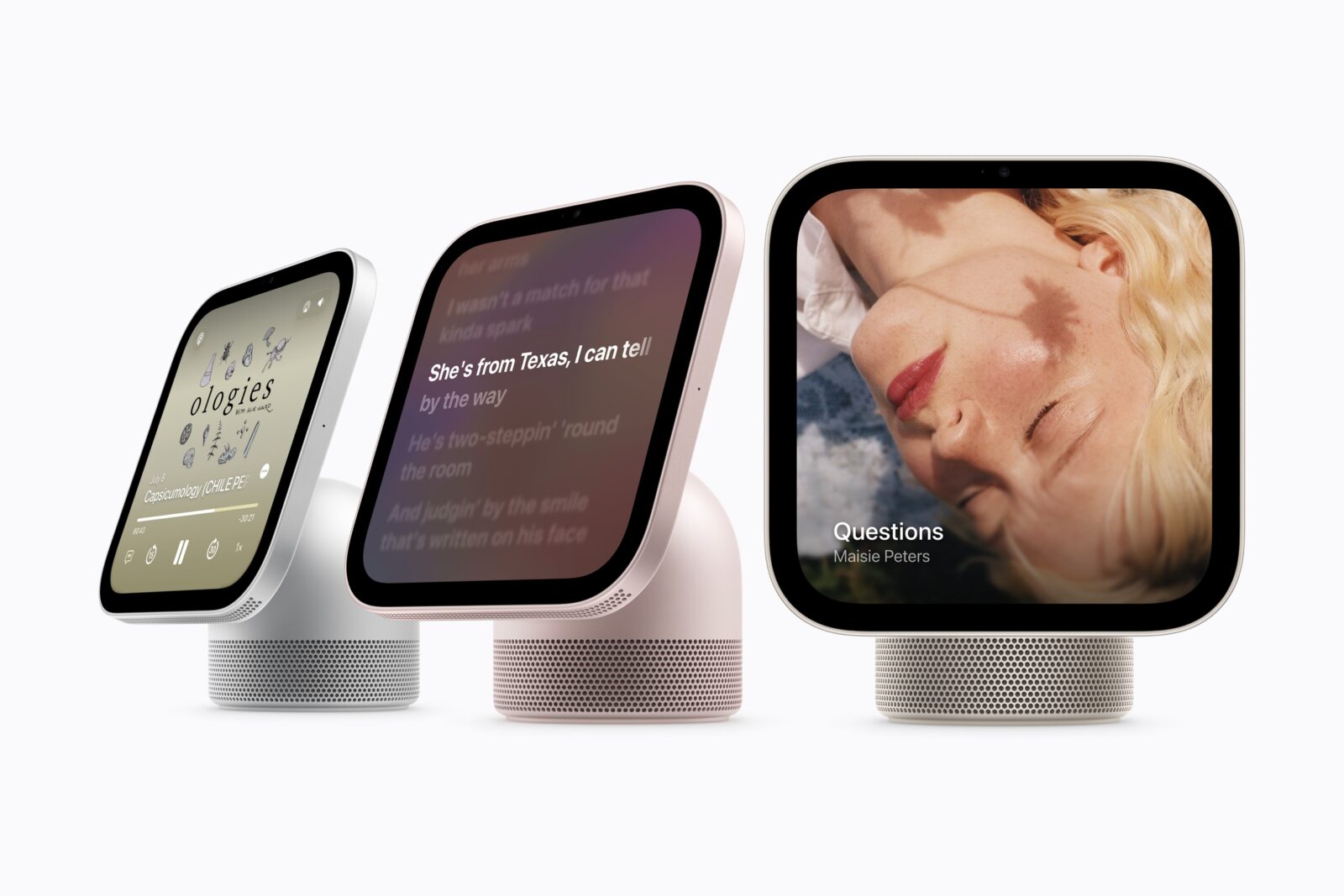
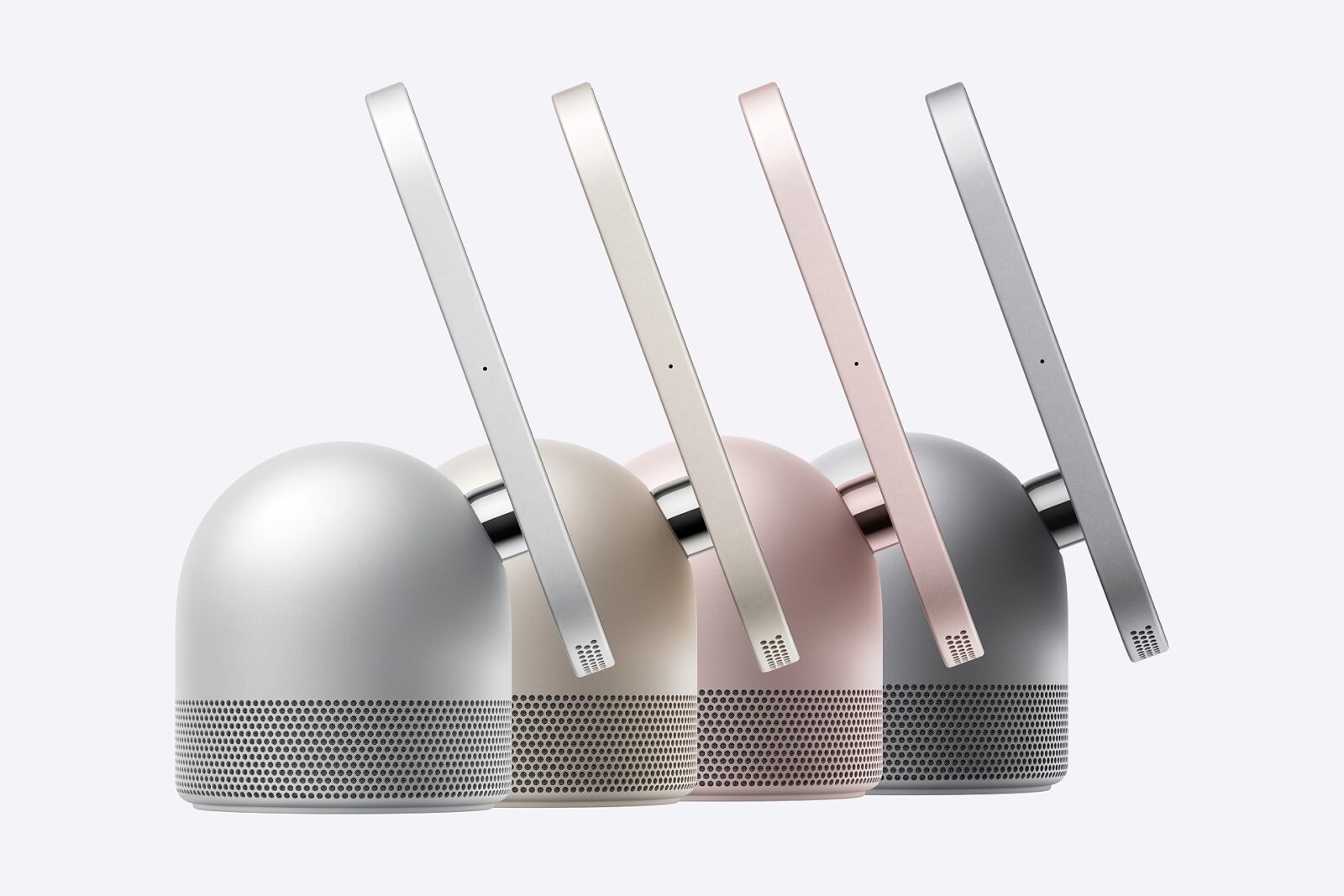
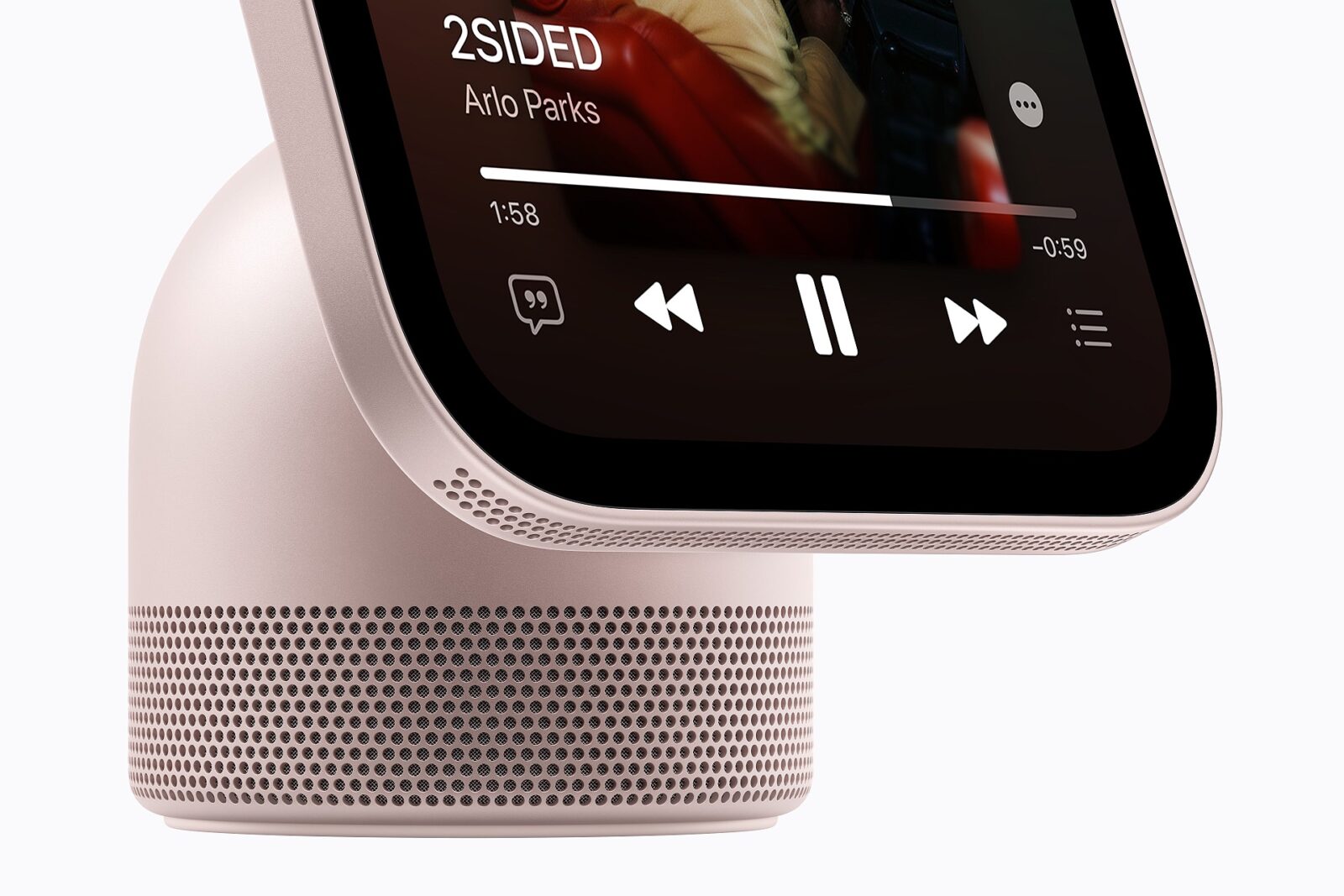
The tabletop HomeView has an aluminium body in either silver, starlight, rose pink or space grey, with the screen joined to the base by a stainless steel hinge so it can be tilted. Two speakers were added to the display, while the base holds a downward-facing woofer and two passive radiators, which are unpowered cones that strengthen the bass. The wall version comes in silver and space grey and can be fixed to one of three Schneider Home mounts, which are sold separately.
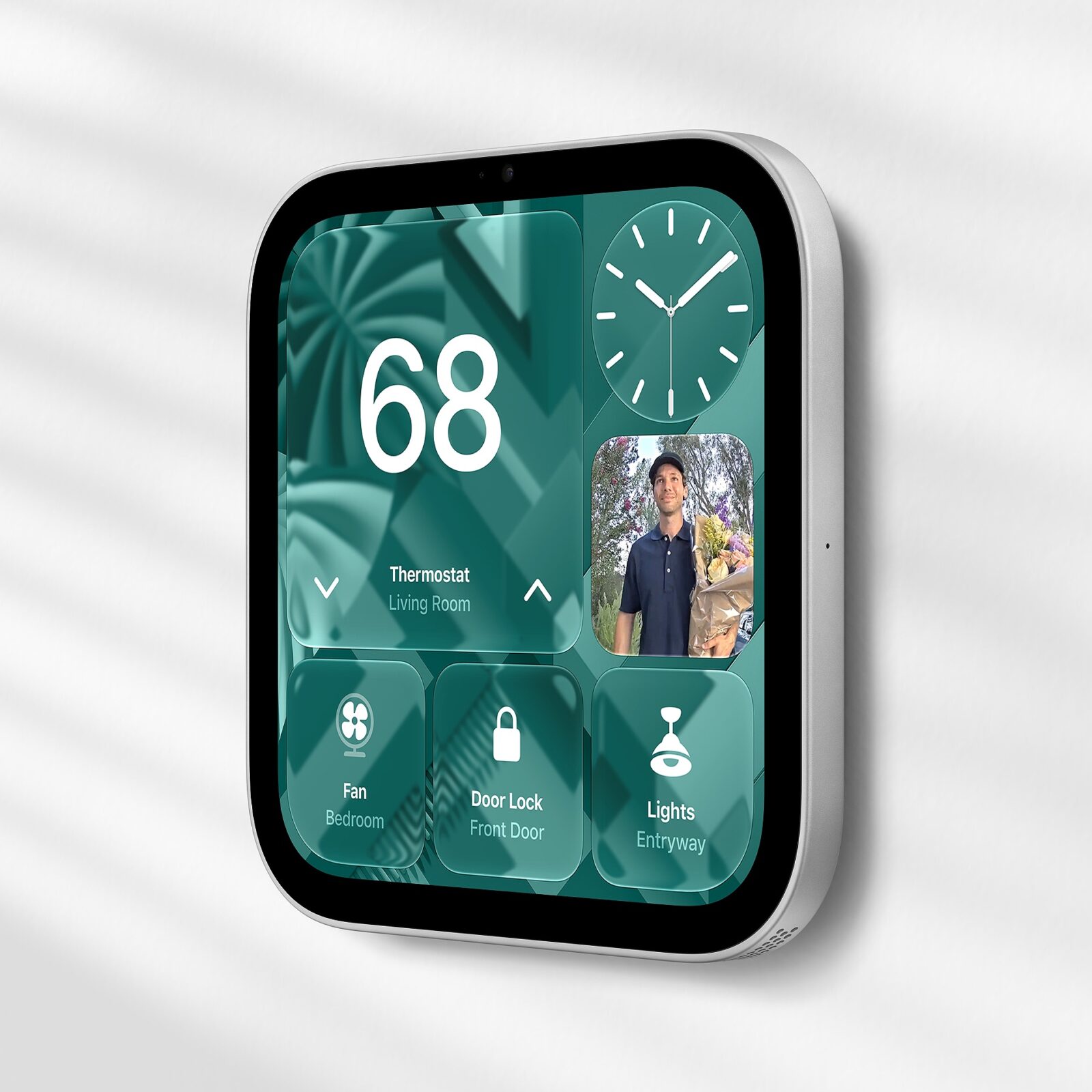
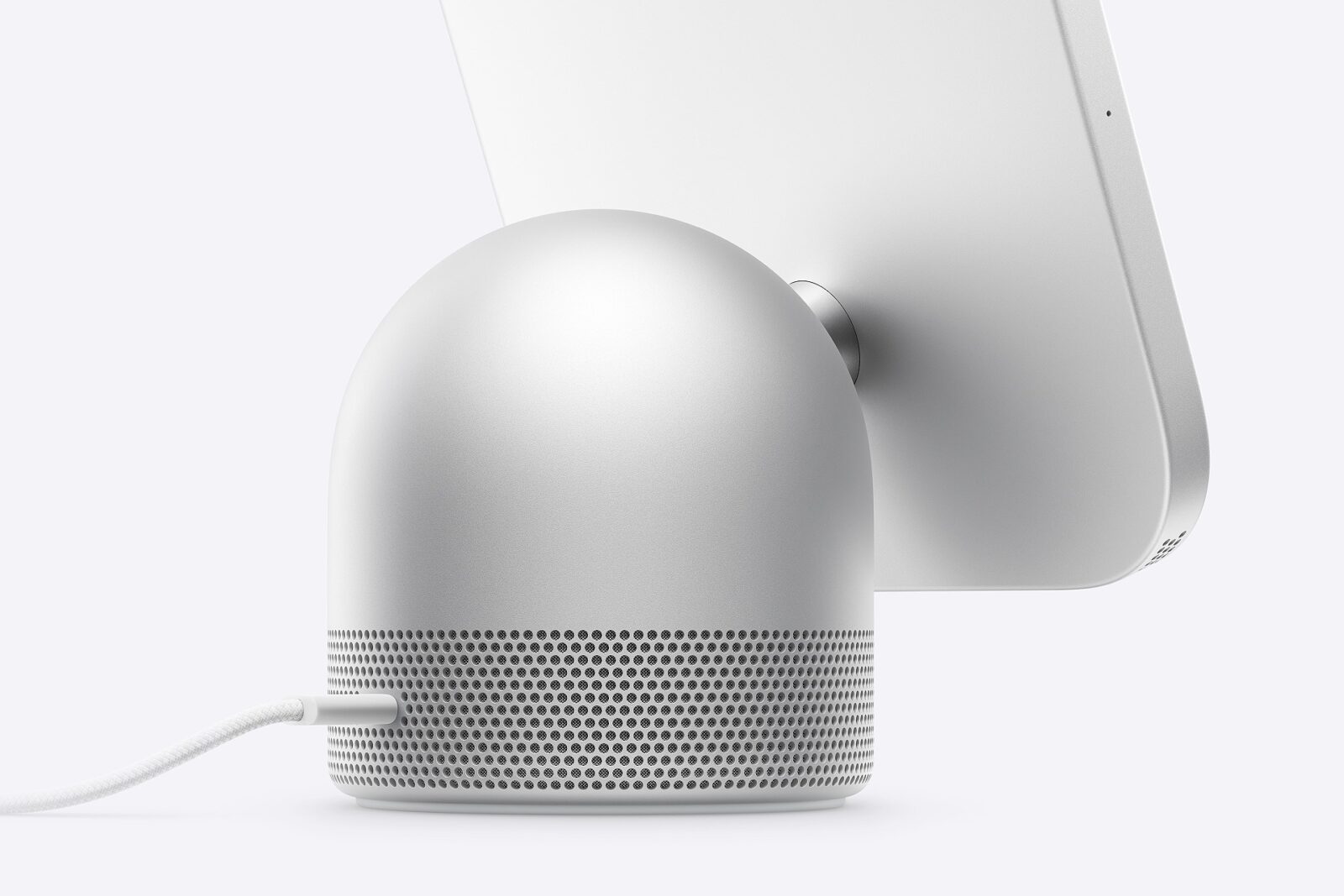
Both share a screen of 1,088 by 1,088 pixels that reaches 500 nits, along with a 12-megapixel camera with Center Stage, which keeps the person on a call in frame. The aluminium in the HomeView base and in the whole wall version is 100% recycled, and so are the rare earth elements in its magnets.
Six people, one screen
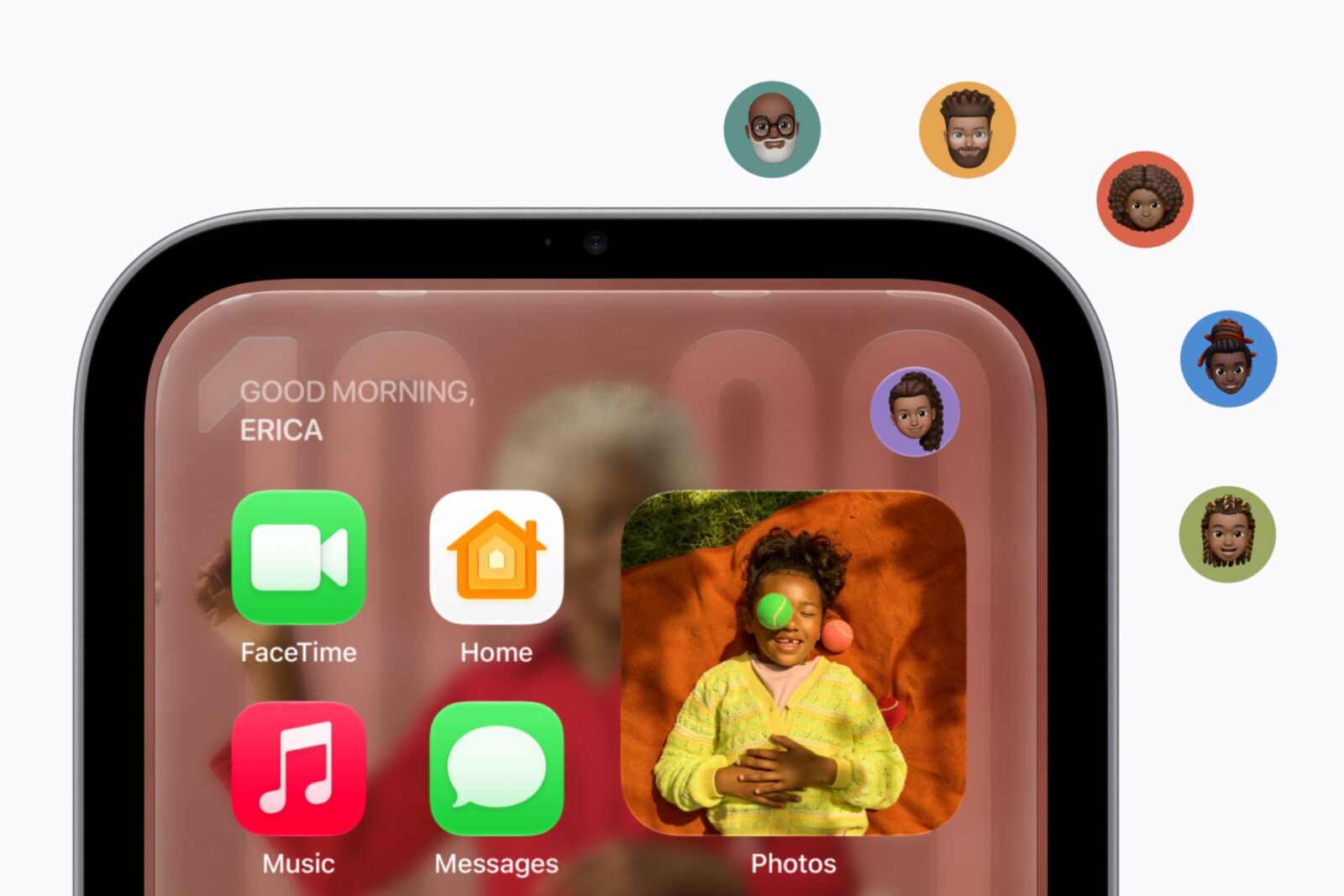
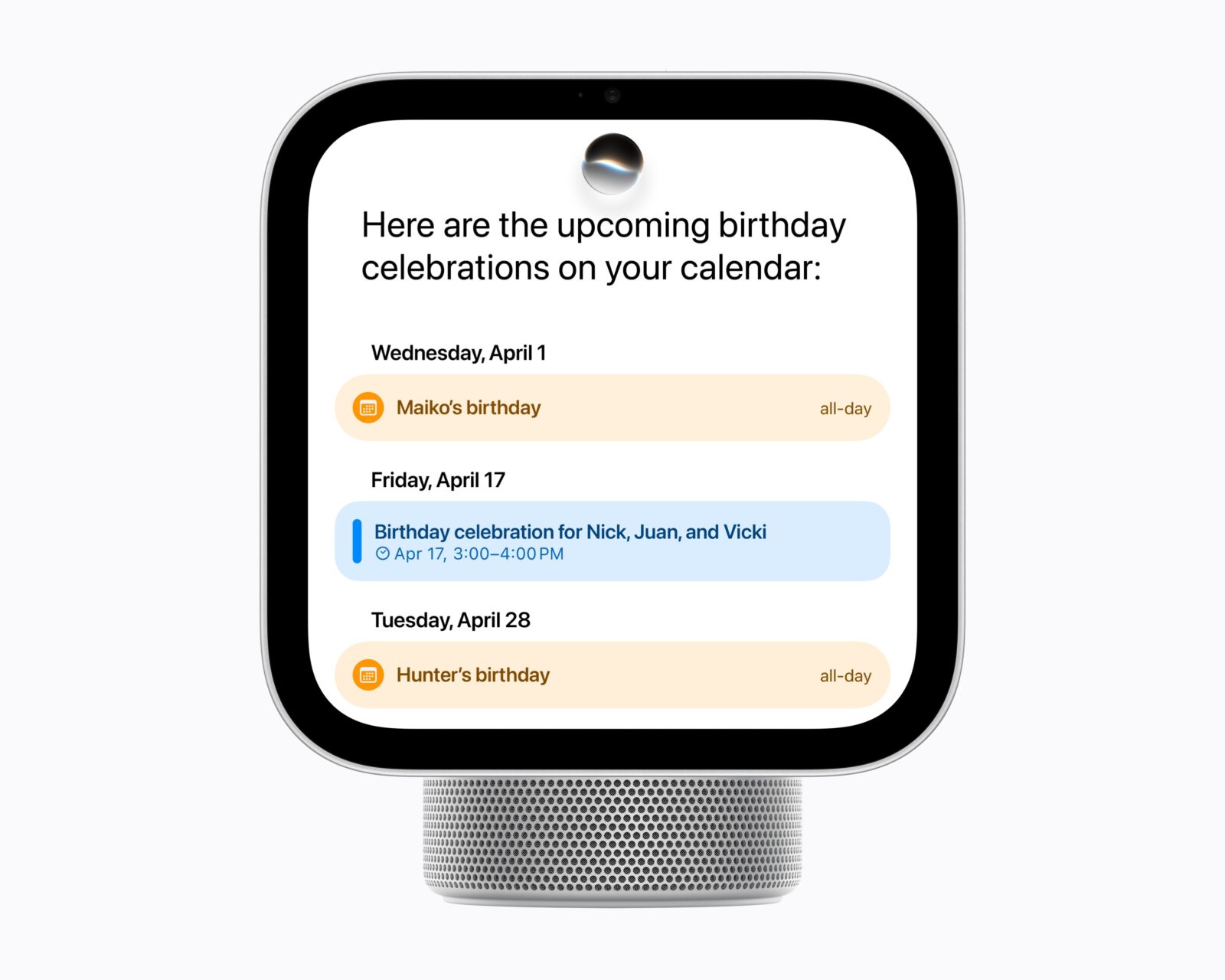
HomeView recognises the faces of up to six people in the house, and each of them gets their own Home Screen with their own apps and widgets. Paired with that person’s iPhone or iPad, it shows their messages, calendar and reminders. Siri AI can use the same information, such as an event from the Calendar or a playlist from Apple Music. It runs on the device or on Apple’s servers, through what the company calls Private Cloud Compute, and its voice can be set to sound more or less expressive and to speak faster or slower.
“Apple HomeView is designed to be shared by everyone in the home yet feel completely personal to each user.”
Greg Joswiak, Apple’s senior VP of Worldwide Marketing
Faces, music and recipes
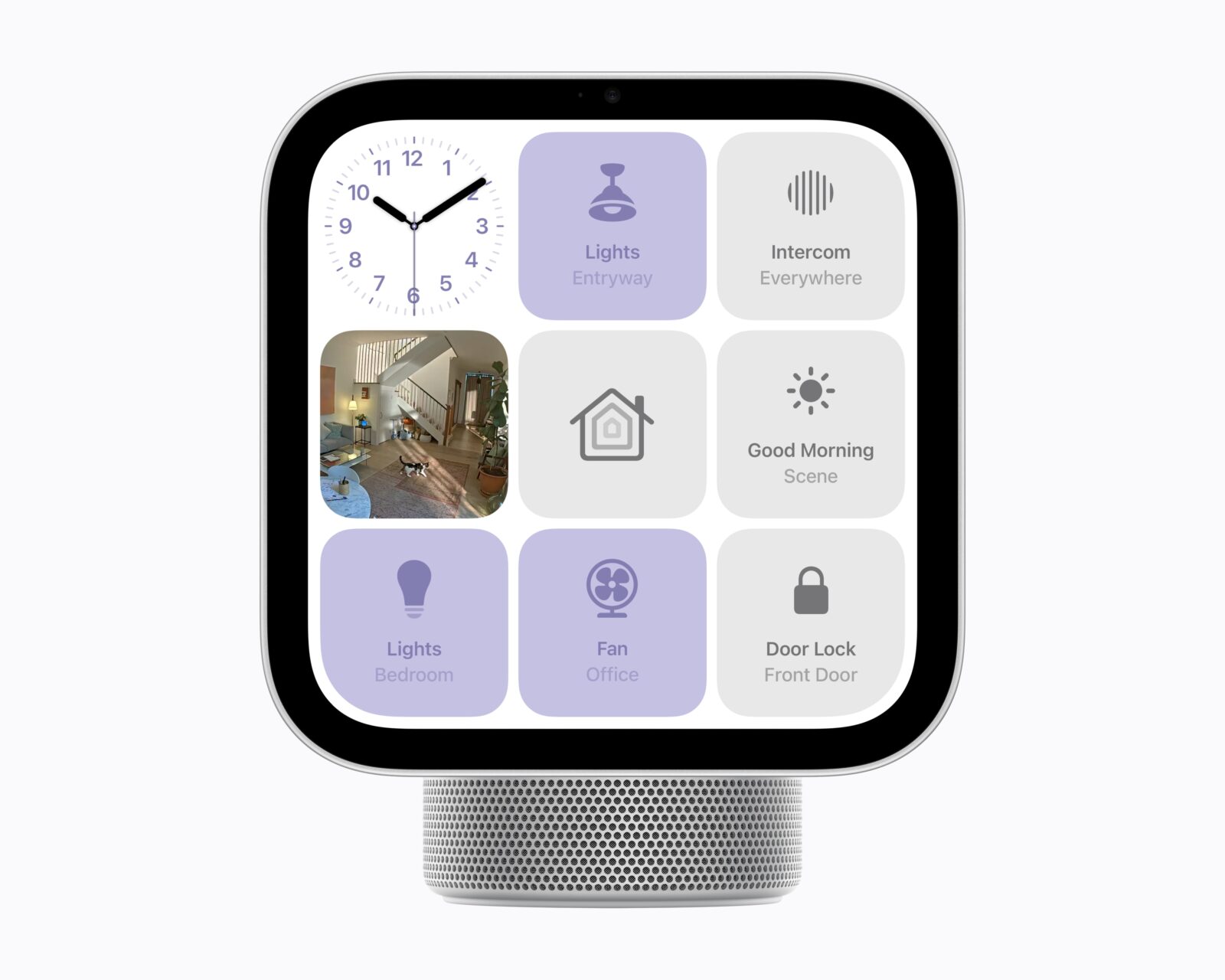
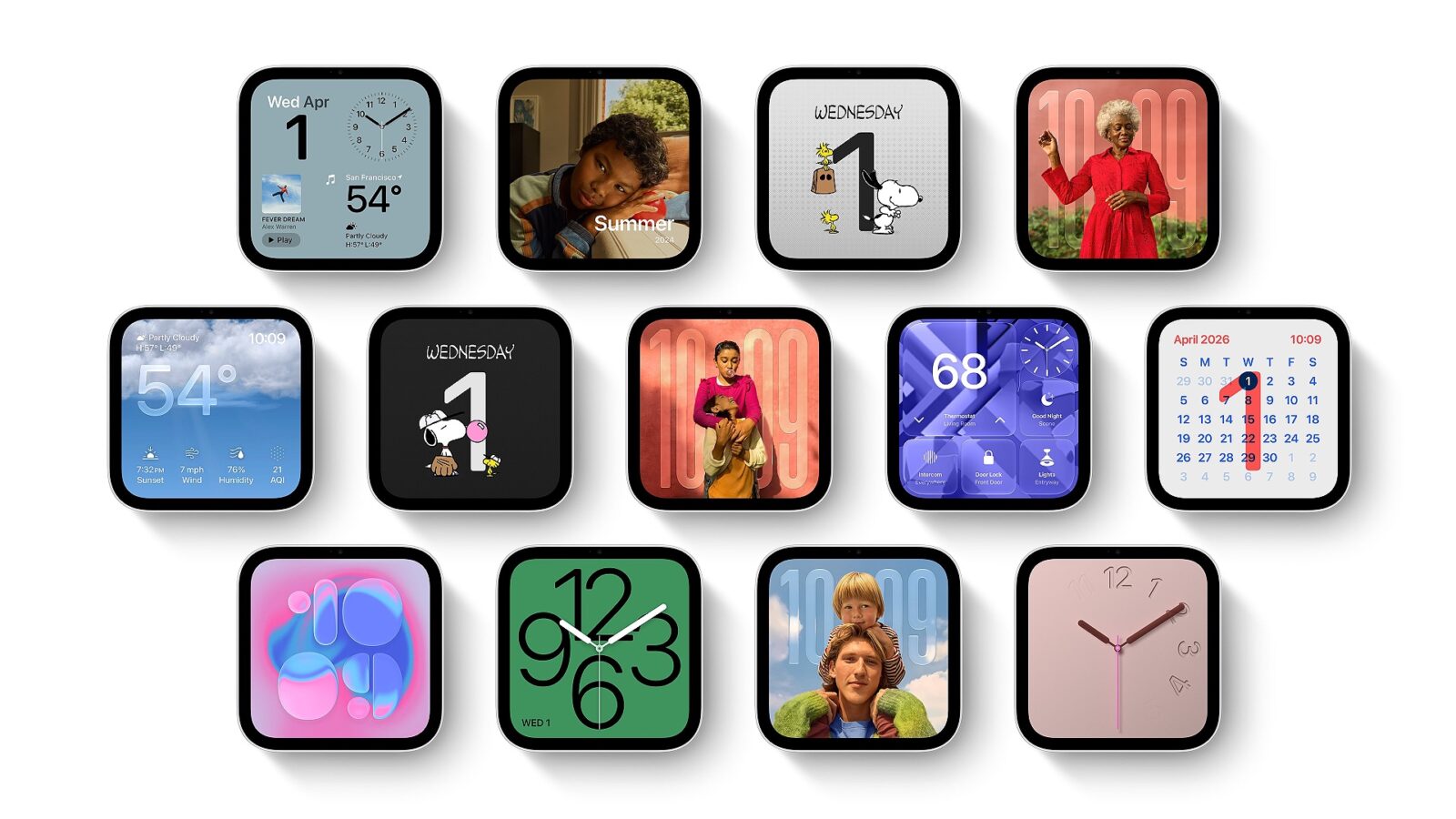
The screen can show one of several layouts, such as photos from shared albums, a design called Flow that responds to movement, a Snoopy face that follows the time and weather, and a face for the house’s smart home accessories. Furthermore, there’s also the option of having the Home Camera show up to nine camera feeds at once. HomeView also plays Apple Music, with lyrics and moving album art, as well as Apple Podcasts and Apple TV. A song playing on an iPhone moves to HomeView when the phone is held in front of it.
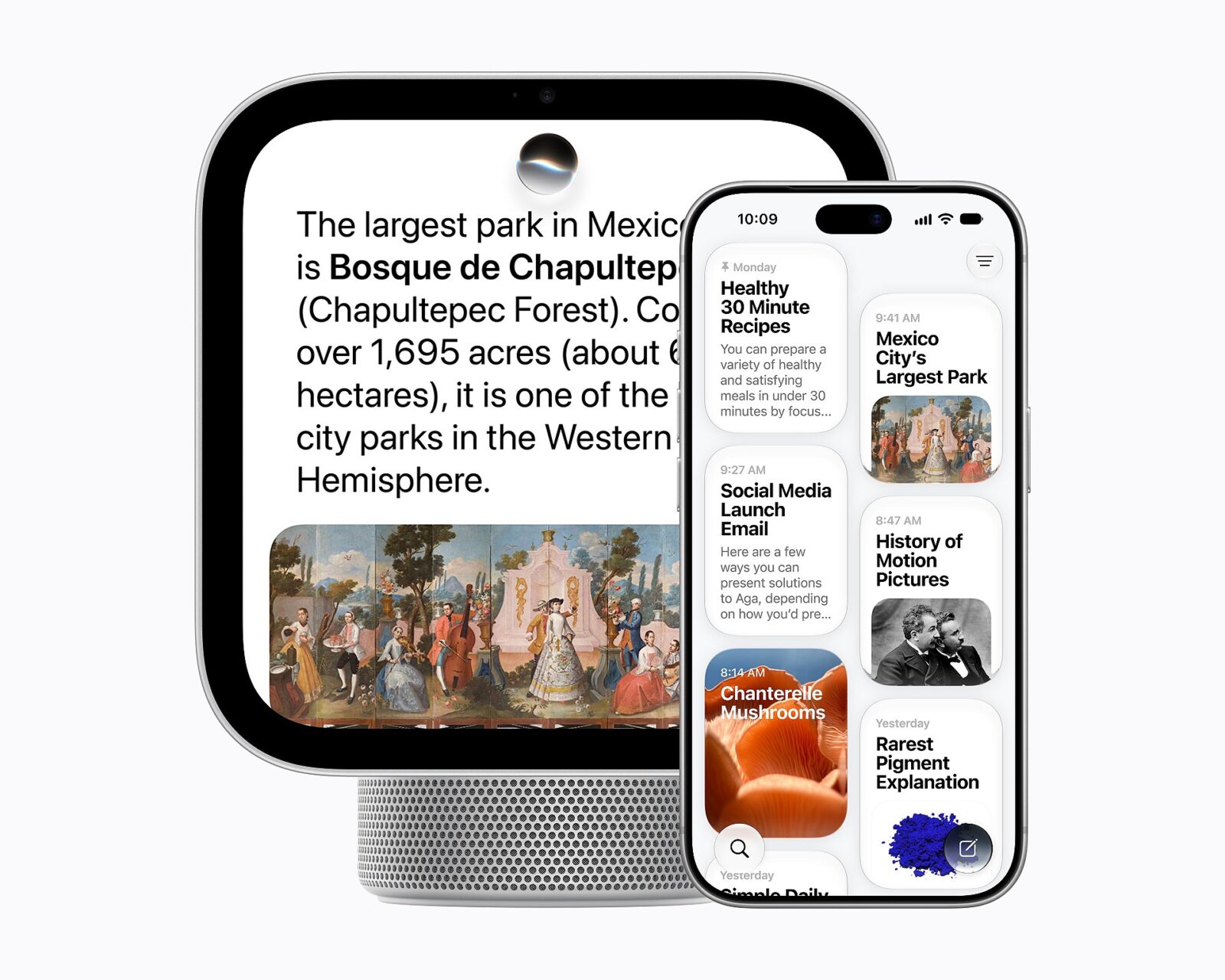
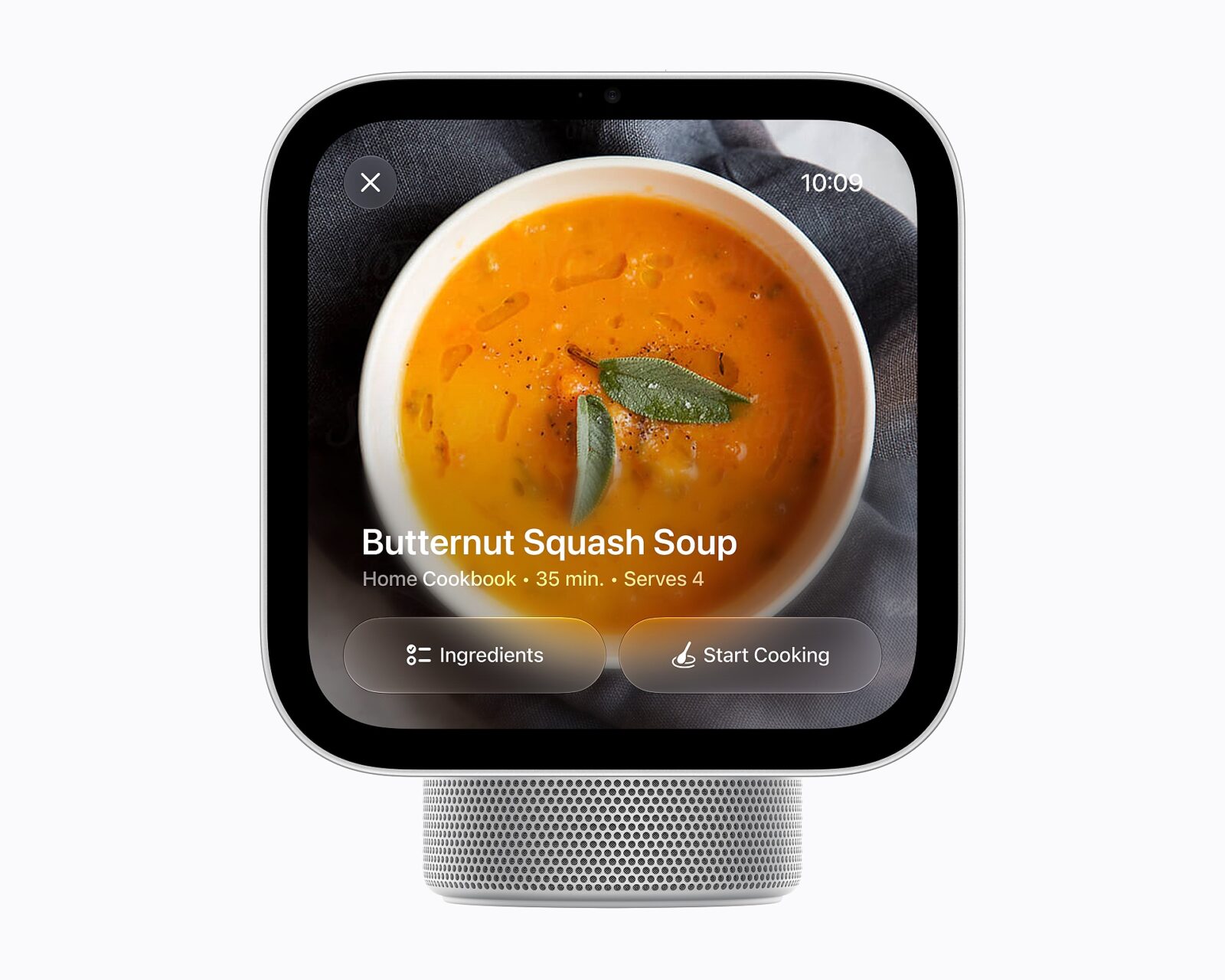
In the kitchen, HomeView turns recipes found online into steps, with timers that run without touching the screen and a list that keeps track of the ingredients. Owners can also send messages by voice or keyboard, make FaceTime calls and use Intercom to speak to other rooms or devices in the house.
Running the house
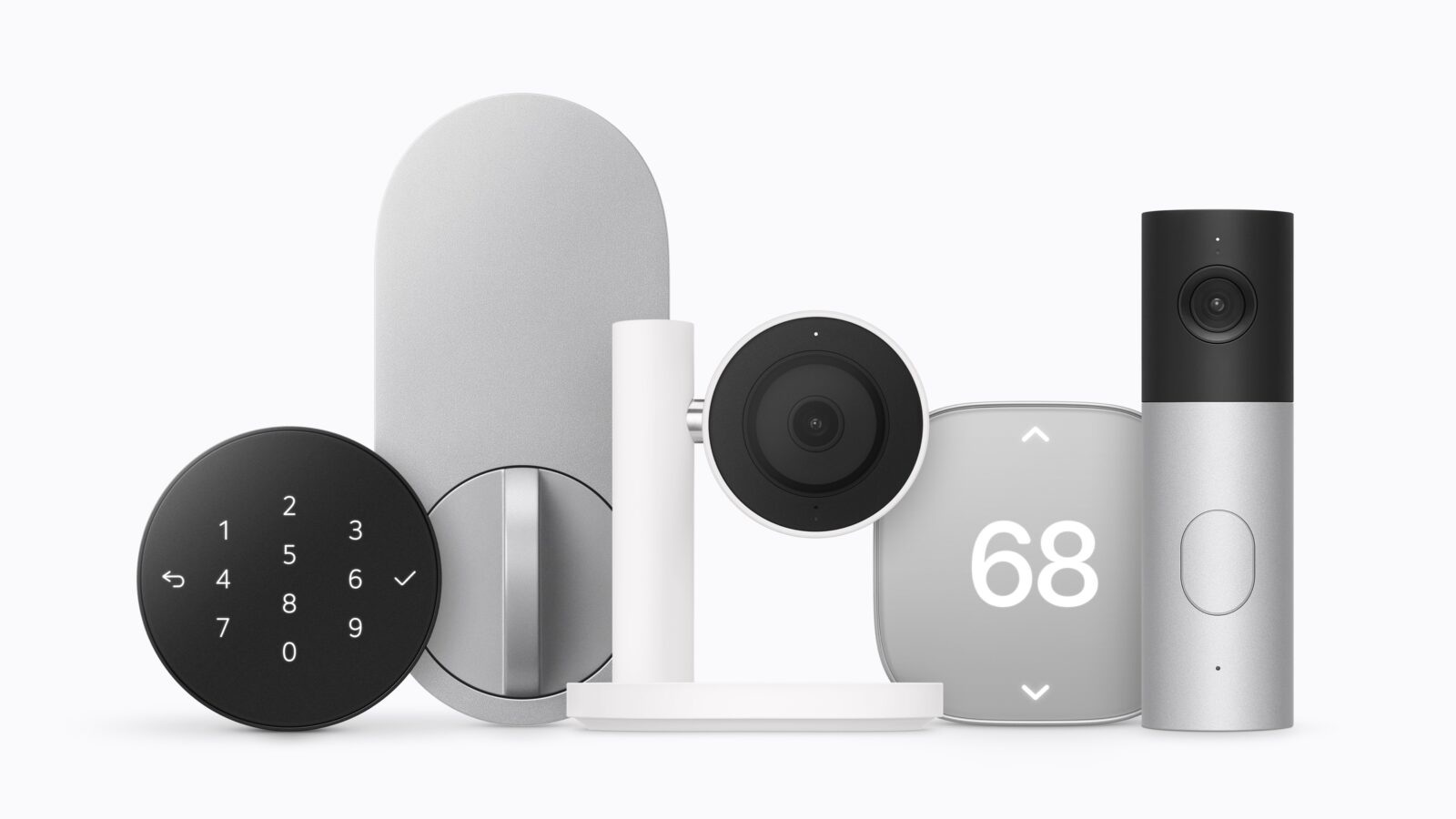
HomeView controls cameras, thermostats, lights, locks and blinds by voice or by touch, and it works with accessories built to Matter, a standard that lets smart home devices from different brands work together. It also listens for the sound of smoke and carbon monoxide alarms and sends an alert to the household’s iPhones, iPads or Apple Watches. With a paid iCloud+ plan, the cameras can recognise people, familiar faces, pets, packages and vehicles, and give a written description of what a video shows.